This page is only visible to users who have been assigned the "Visitor Management" right.
The overview page contains cards of individual visitors. These cards clearly present the most important information about each visitor.
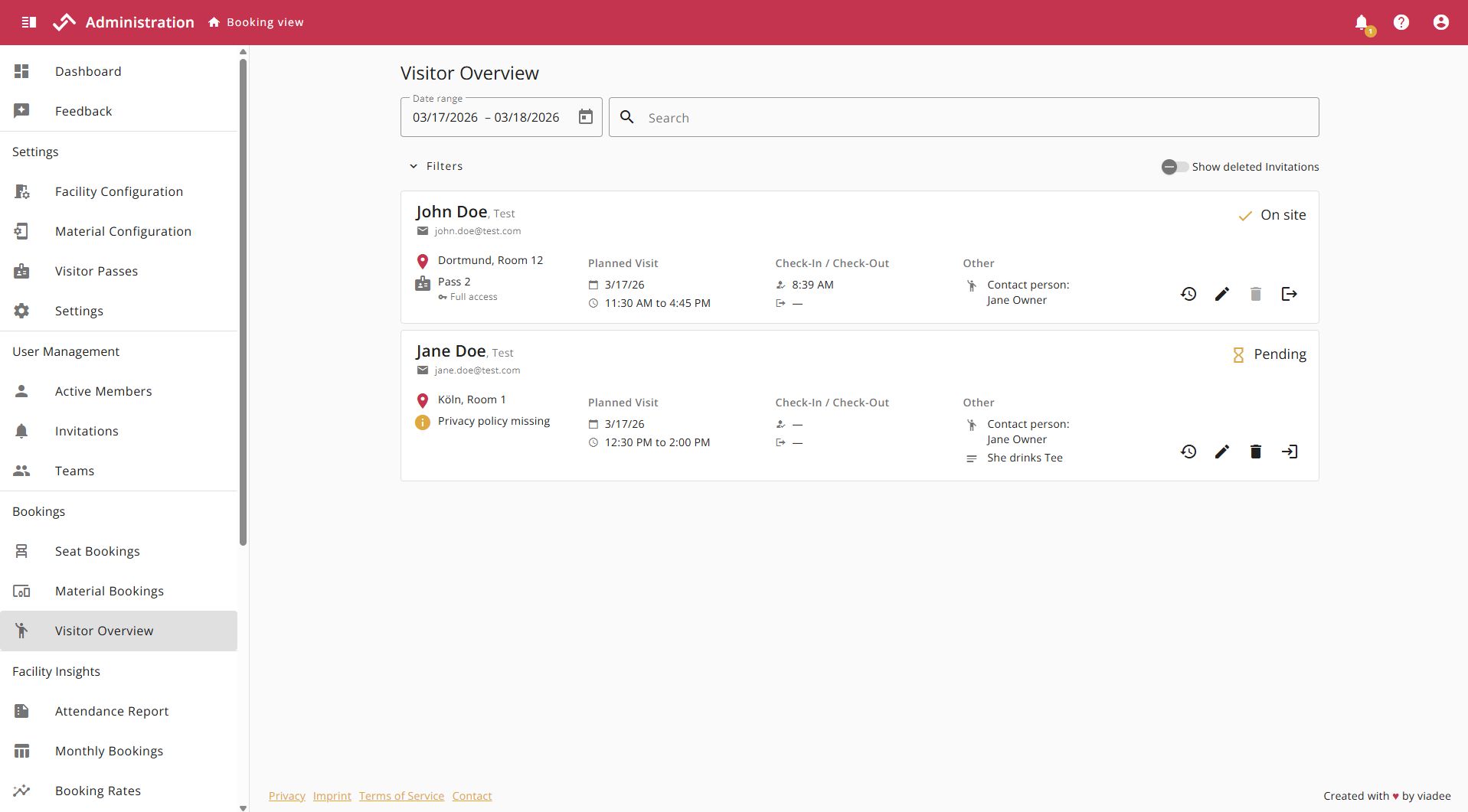
Status Badge
Visitors can be in exactly one of four different statuses.

The available actions for each visitor are located in the bottom right corner. The four actions are:

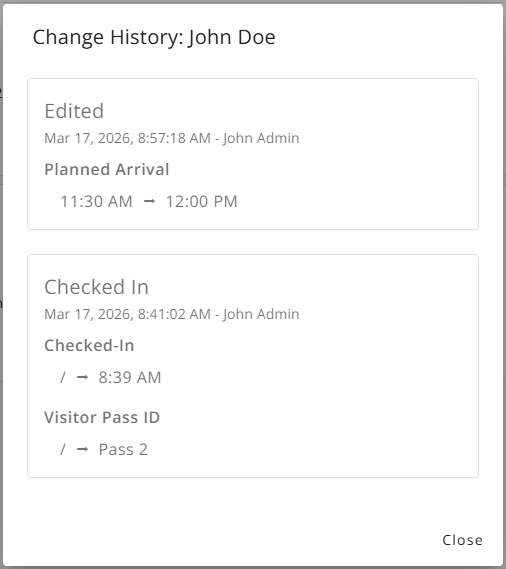
Change History
Clicking the "Change History" icon opens a new dialog box displaying the change history of visitors. This window shows all changes made since a visitor's creation, along with the time and author of each change, making it easy to track changes to visitors.
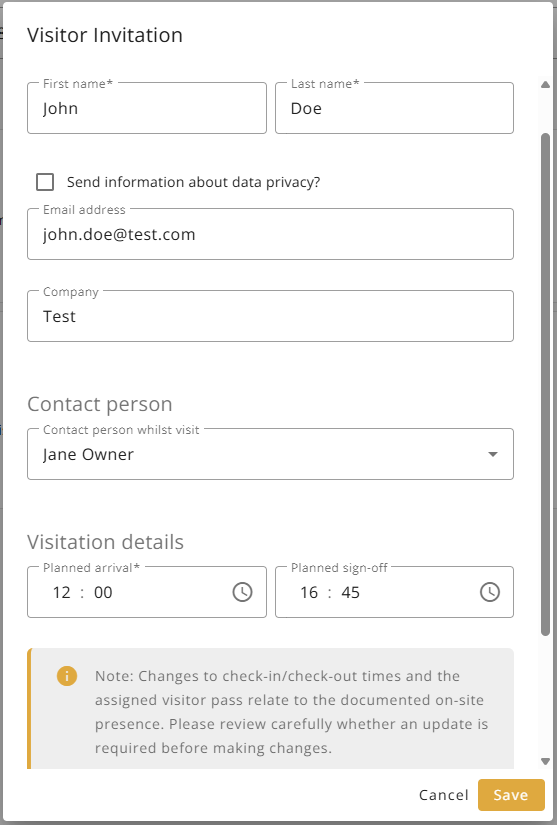
Edit
After pressing the "Edit" icon, the edit dialog box opens, which allows you to edit every field of a visitor (except for the visit date).
Delete
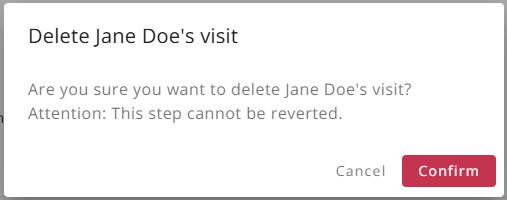
Pressing the "Delete" icon opens a dialog for deleting a visitor entry. Note that deleting a visitor invitation cannot be undone.
Check-In and Check-Out
Visitor check-in and check-out works the same way in the admin area as in the visitor management area. Detailed functionalities can be found here.
Date and Searchbar
In addition to a date range for filtering relevant visitor entries, these can also be searched using a free text field. The following fields can be searched:

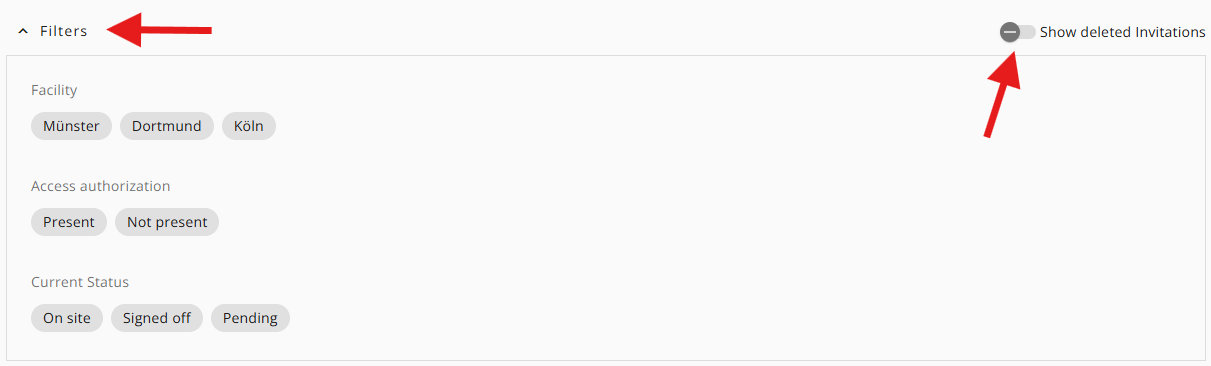
Filters and Slider
The expandable filters allow you to filter by location, access authorization, and current visitor status. Additionally, the slider allows you to display previously deleted invitations. By default, these are hidden.